
Restore Old Photos Online with AI
Repair faded, scratched, and blurry old photos online with natural-looking AI restoration.
Upload to Restore
Upload 1 image at a time. JPG or PNG.
Common Problems in Old Photos (And How AI Restoration Fixes Them)
Old photographs face many types of damage. AI restoration is designed to handle the most common problems automatically.
Restore Faded or Yellowed Photo Colors
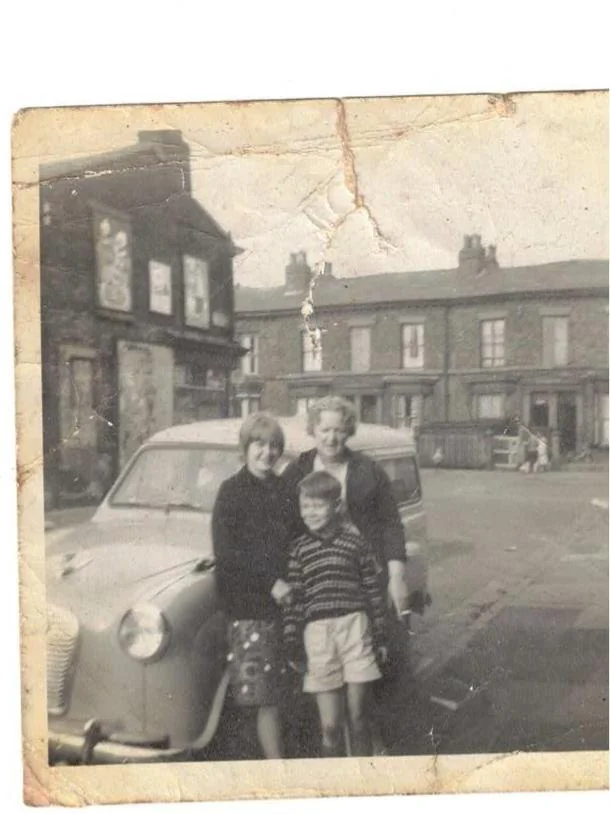
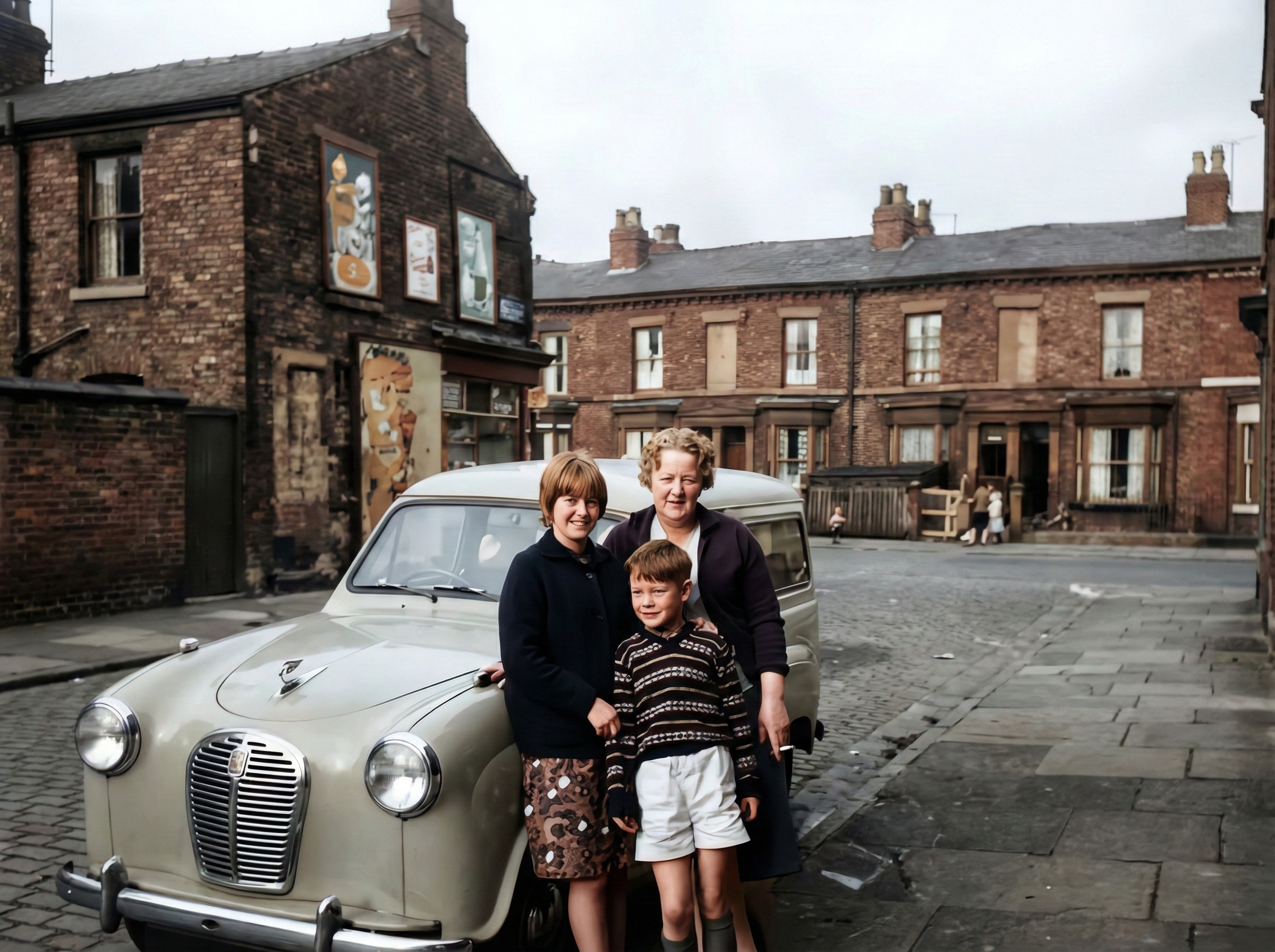
Over time, chemical reactions cause old photos to fade or turn yellow. AI color correction can rebalance tones and recover original color information. The system adjusts brightness, contrast, and saturation to create a natural and clean look while maintaining the original mood of the image.
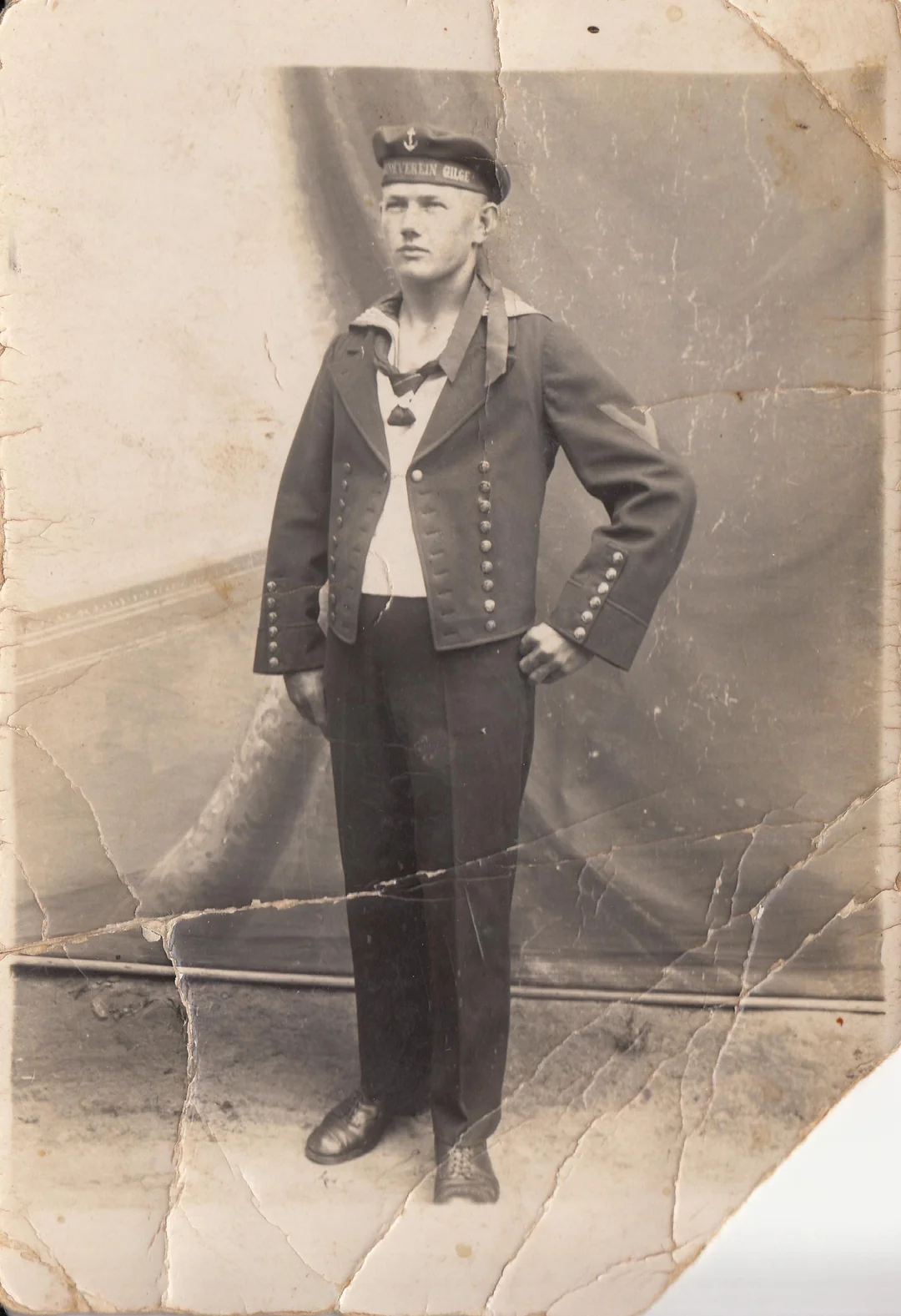
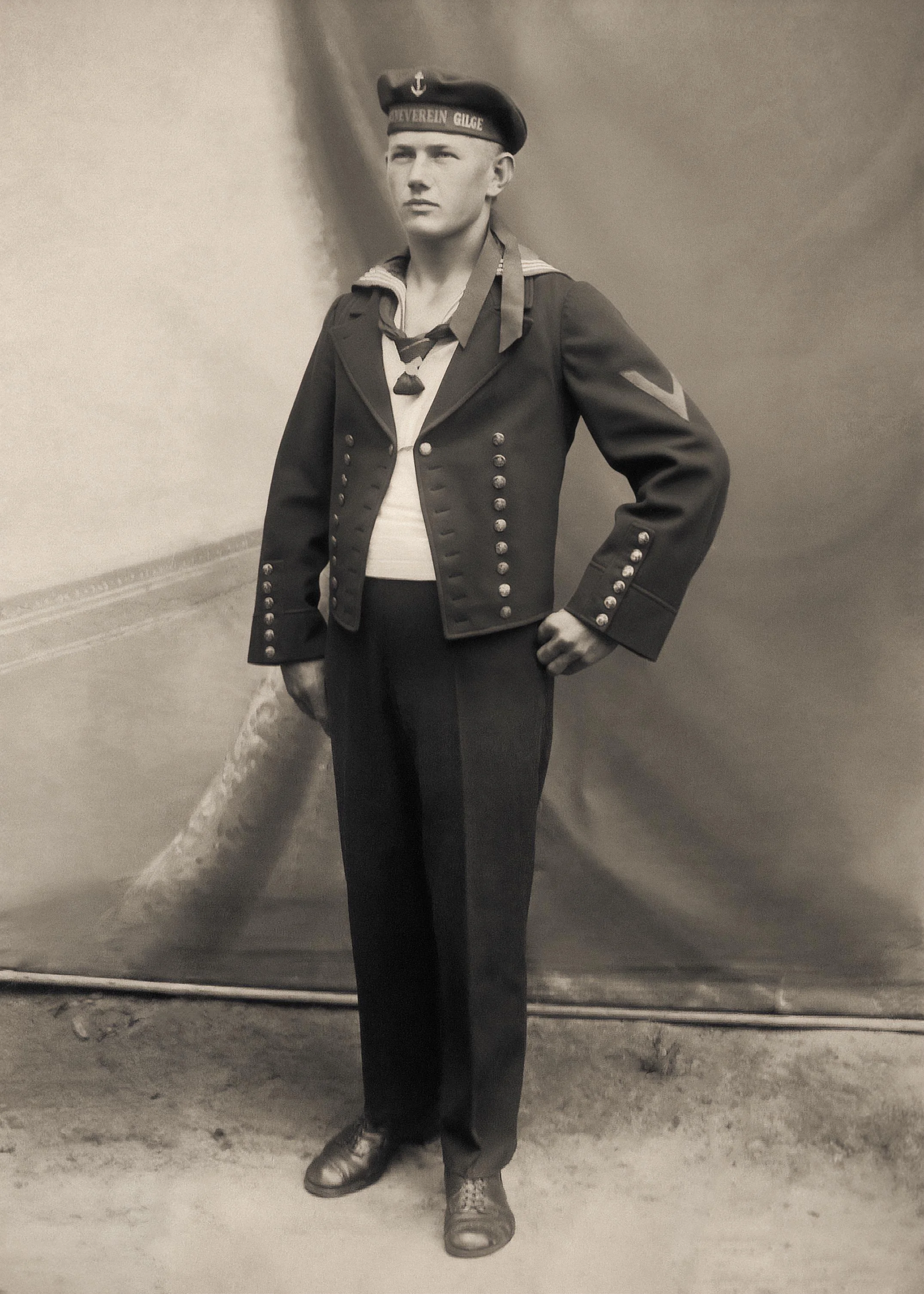
Repair Torn and Missing Parts in Old Pictures
Tears and missing corners are common in old prints. AI restoration can fill in missing areas by predicting textures and structures based on surrounding pixels. This process is known as intelligent inpainting and helps reconstruct damaged sections seamlessly.
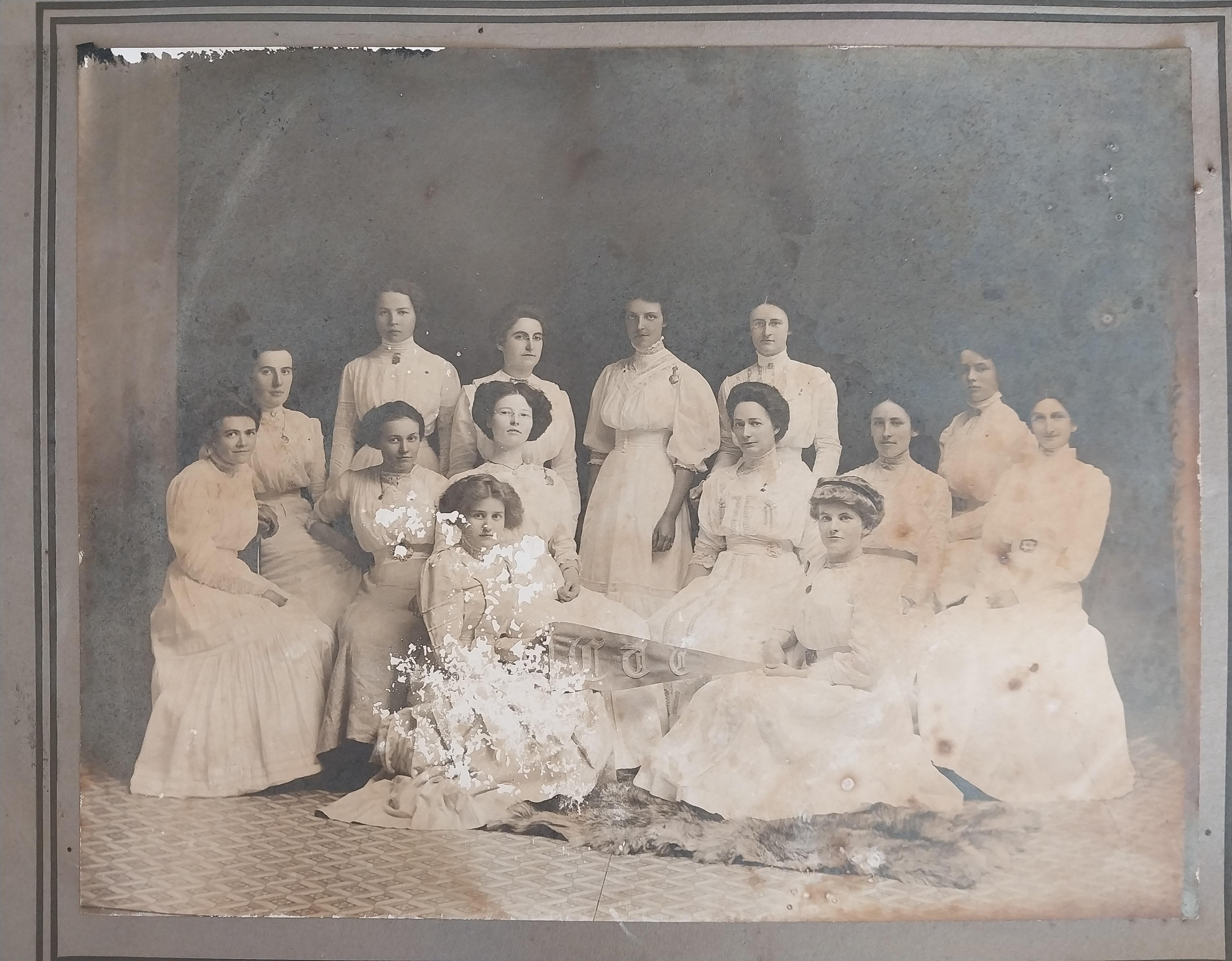
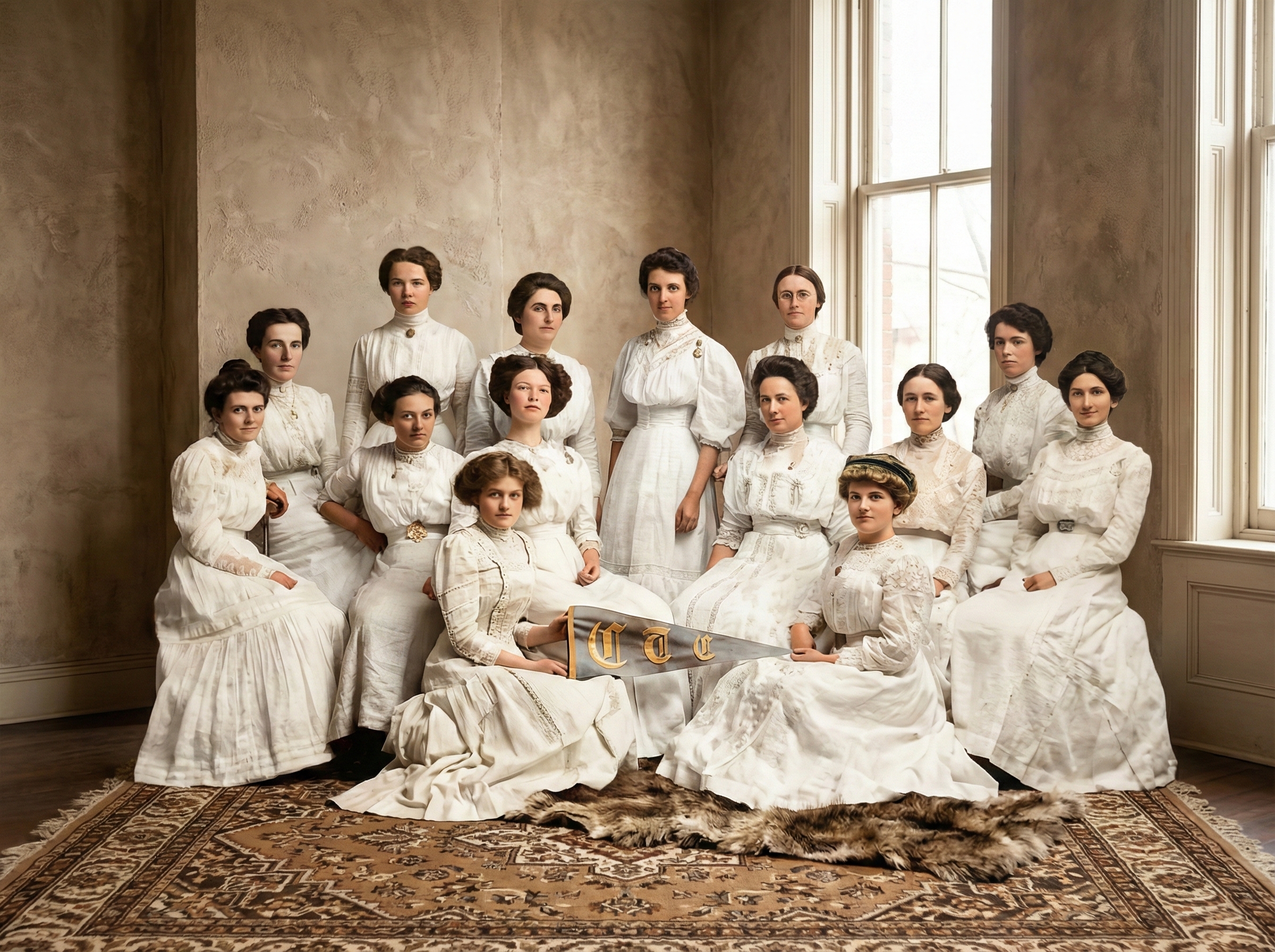
Remove Scratches and Creases from Old Photos
Scratches and creases often cross important areas like faces and clothing. The AI detects these lines and removes them while preserving skin texture and facial features. Unlike filters that blur everything, AI selectively repairs only the damaged areas.
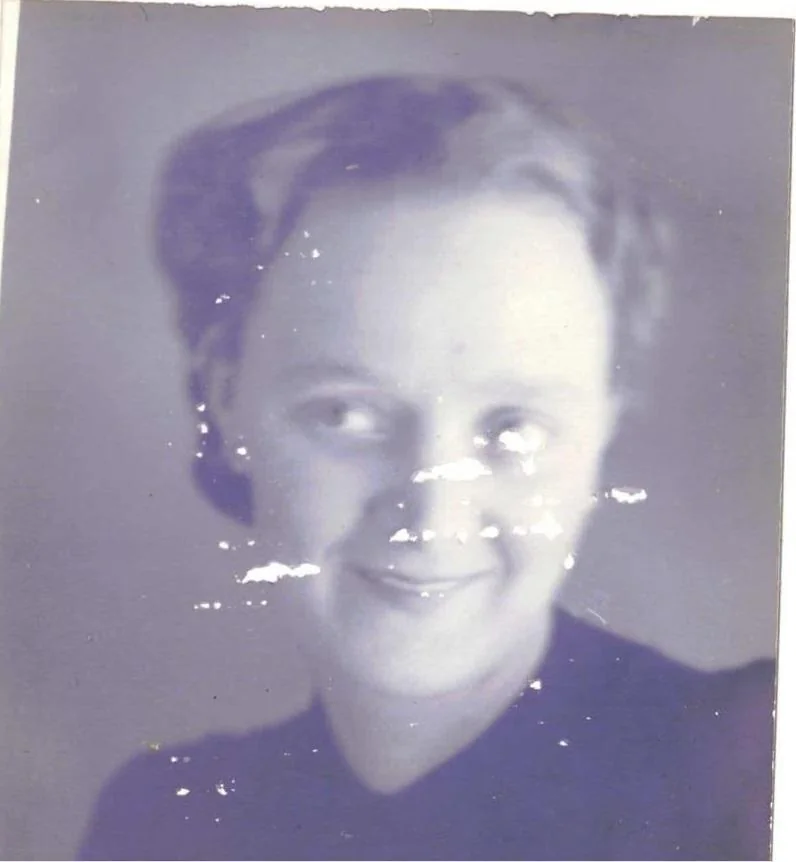

Fix Blurry Faces in Old Photos
Motion blur and poor focus make faces hard to recognize. AI face restoration improves clarity by sharpening facial details and enhancing eyes, nose, and mouth structures. This helps restore identity while avoiding unnatural plastic effects.
Why Choose Old Photo Restoration AI
One platform for scratch removal, face enhancement, HD output, flexible pricing, and privacy-friendly processing.
All-in-One Old Photo Restoration Toolbox
One platform handles scratch removal, color restoration, face enhancement, and sharpening.
Free Plan with Transparent Upgrades
You can try old photo restoration for free and upgrade only if you need higher resolution or batch processing.
Multiple AI Models for Better Photo Restoration
Different AI models are used for colorization, scratch repair, and facial restoration to achieve better accuracy.
Privacy-Friendly and Secure Photo Processing
Your photos are processed securely and are not used for training or shared with third parties.
Scratch and Damage Removal for Old Photos
The AI specifically targets physical damage such as cracks, dust spots, and scratches without affecting intact areas.
Fix Blurry Old Photos and Sharpen Details
Advanced sharpening algorithms improve clarity while maintaining natural textures.
High-Resolution Photo Restoration Output
Your restored photos are exported in HD resolution, suitable for printing or archiving.
Face Restoration and Portrait Enhancement
Portrait photos receive special processing to preserve facial identity and expression.
How Old Photo Restoration Works (3 Easy Steps)
Three easy steps to restore old photos online: upload, AI repair, and download in HD.
Upload Your Old Photo or Picture
Upload scanned photos or digital images in common formats such as JPG and PNG. The system supports photos from mobile phones, scanners, and cameras.
AI Restores Damage and Enhances Details
Once uploaded, the AI automatically detects damage patterns such as scratches, blur, and discoloration. It applies restoration algorithms to reconstruct missing pixels and enhance sharpness and contrast.
Download Your Restored Photo in HD
After processing, you can preview the result and download a high-resolution restored image. No watermarks are added to your personal photos.
Before and After – Real Old Photo Restoration Results
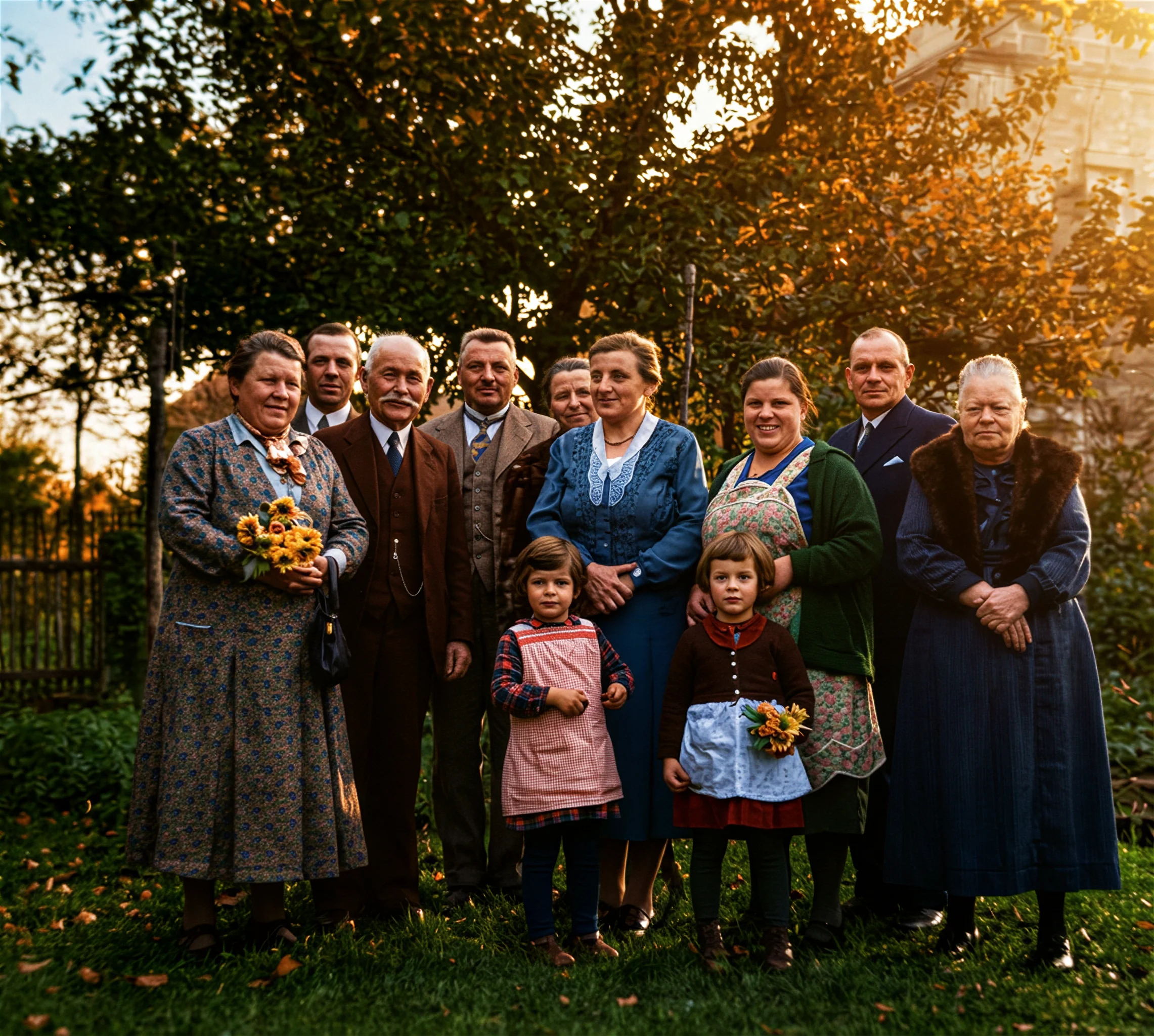
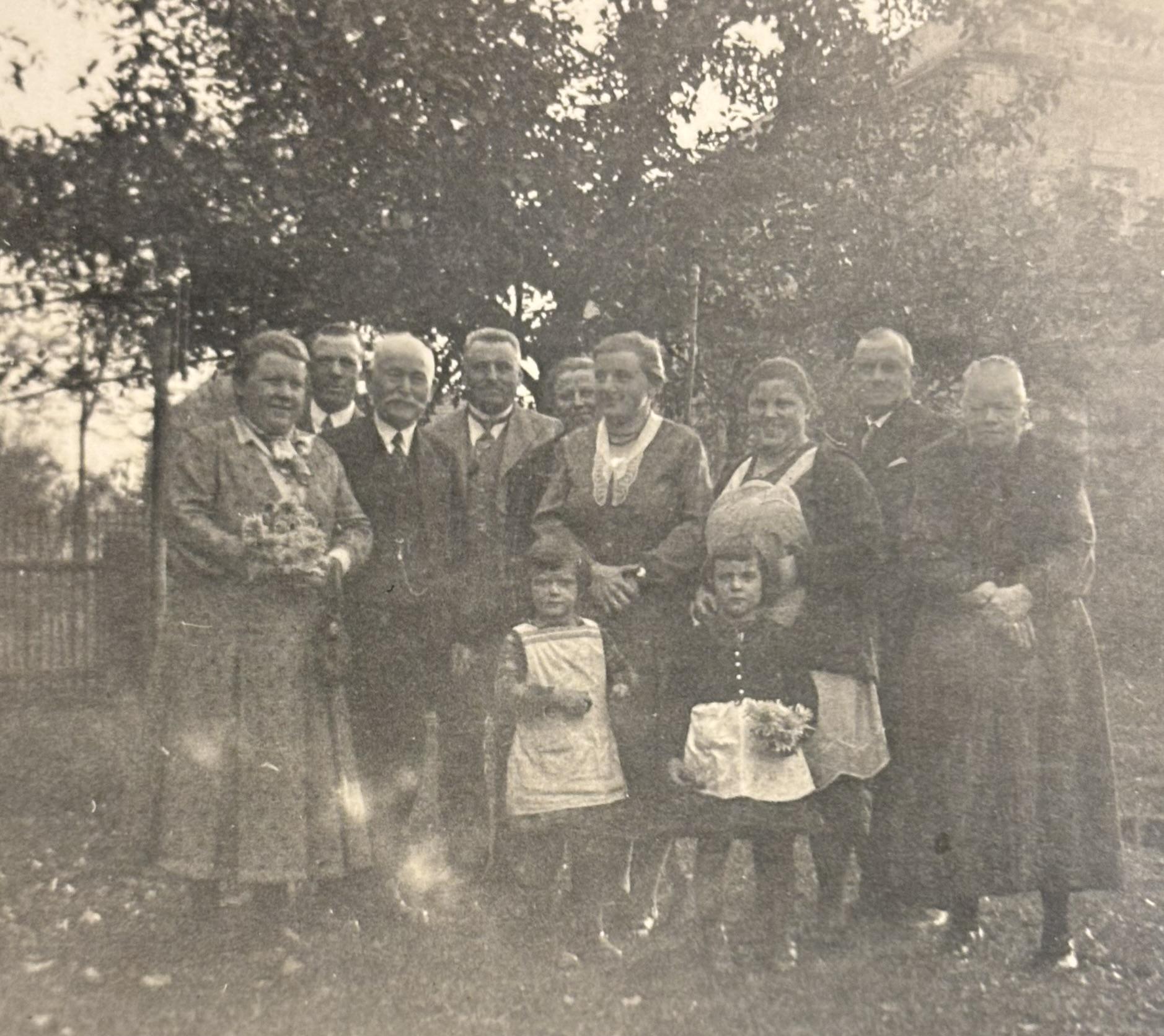
Seeing before-and-after examples is the best way to understand the power of AI photo restoration. Our system has successfully restored thousands of family portraits, wedding photos, school pictures, and historical images.
Users report that restored photos look clearer, more colorful, and emotionally meaningful. Fine details such as wrinkles, hair strands, and clothing textures become visible again, allowing families to reconnect with their visual history.
Old Photo Restoration Use Cases (Family, Memorials & Archives)
Use cases for families, memorials, archives, and print-ready displays.
Preserve Family Memories and Ancestral Photos
Families restore old photos of grandparents and relatives to keep memories alive for future generations.
Restoring Photos for Memorials and Tributes
Restored images are often used for funerals, memorial services, and tribute albums.
Digitize and Repair Historical Photo Archives
Libraries and museums use AI to digitize and restore fragile photo collections.
Prepare Old Photos for Printing and Display
High-resolution restored photos can be framed or included in photo books.